


Wurlie is based on e a Wurlitzer© 206A model. The Wurlitzer© 206A is a student model, and is very similar to a 200A except for its beige color and built in amp/speaker (it also did not come with a tremolo). It was designed to be paired with a 206, which is the teacher model and they were mainly used in conservatories. The teacher had a headphone and microphone to be able to listen to each student individually and talk to them without others hearing them.
Once equipped with a DI output and a tremolo system (this is a very common and easy mod with just a few components to solder on the preexisting holes in the original circuit board) the 206A sounds exactactly like a 200A with the exception that it also has a built in amp that is more powerful and has more bass than the two small front speakers of the 200A's.
Here are a few pictures of the model we sampled
 |
 |
 |
 |
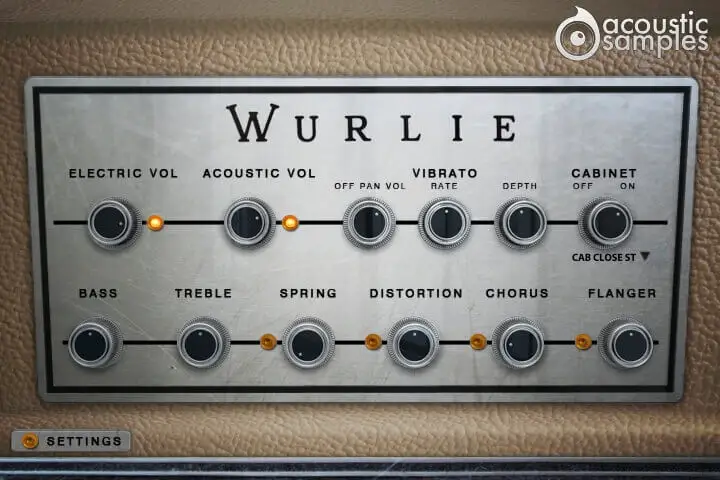
The student models don't have the vibrato circuit built in by default, but with a whole system of teacher / student com system designed for quiet music courses instead.
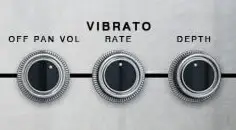
There is a common mod for these instruments that consists of adding the vibrato circuit and even add the possibility to control its depth and rate. We added these possibilities and went a step further and added the stereo pan present in Rhodes suitcase instruments.
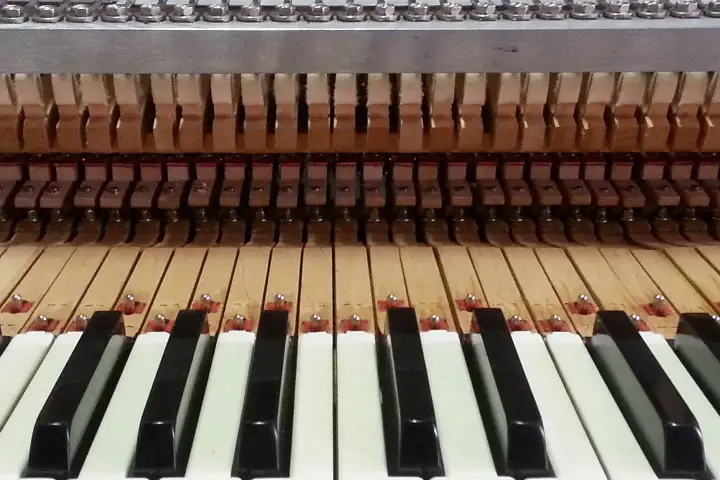
Just like for every mechanical instrument, there are resonances, but in the case of the Wurlie, they are very specific.
We captured the sympathetic resonances for both pedal up and pedal down and modelled them carefully to make sure you get the most natural response.
Wurlitzers© are often played with FX, we added a 2 band EQ, a Spring reverb, a tube distortion, a chorus and a flanger, and there is also a list of known amp simulations to choose from.
That's pretty much everything you need to mimic the sound of any Wurlie in any song.
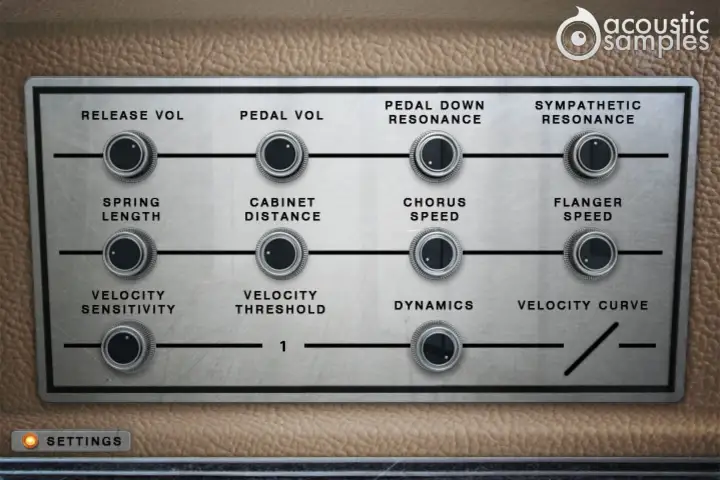
The advenced panel lets you control a few things like the pedal noise or the release volume, and also a few more parameters of the FX.
There is also a complete section about the MIDI controls to tweak the response of the Wurlie and match it exactly to how you like it.


